Made for Apple Pencil
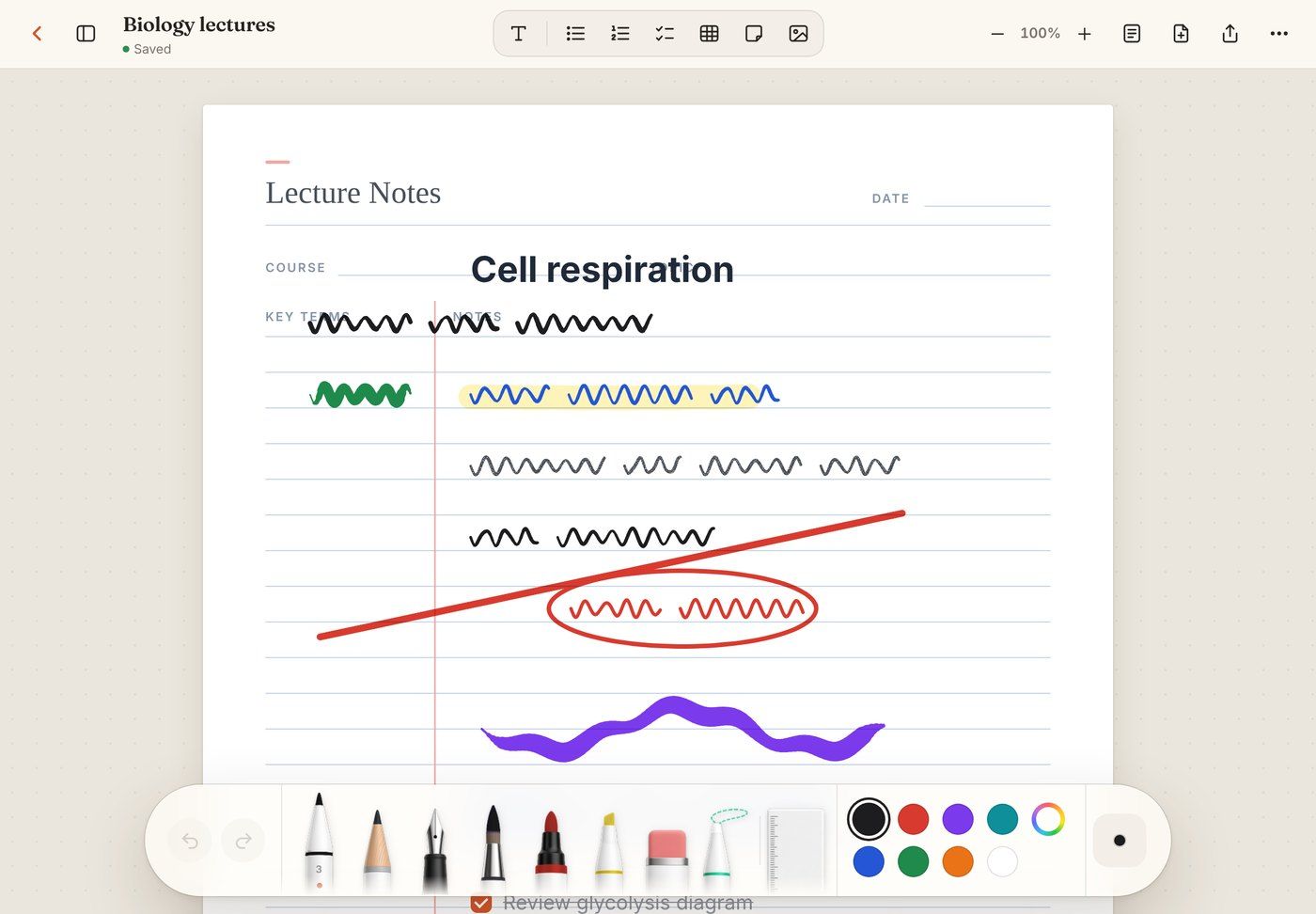
Pressure-sensitive pens, pencil, fountain pen, brush, marker and highlighter, plus palm rejection.
 Notes
Notes
A calm, Notability-style notebook that lives in your browser. Write with Apple Pencil, type, sketch and plan on iPad, tablet, phone or desktop, even with no Wi-Fi.
No credit card · Google or email sign-in
Everything a paper notebook does
Pressure-sensitive pens, pencil, fountain pen, brush, marker and highlighter, plus palm rejection.
Lined, grid, dotted, Cornell notes, planners, storyboards, scripts and more, on four paper colours.
Text boxes, checklists, tables, sticky notes and images sit right next to your ink.
Everything saves on your device first. Write on a plane; it syncs when you're back online.
Sign in on your iPad, phone and laptop and pick up exactly where you left off.
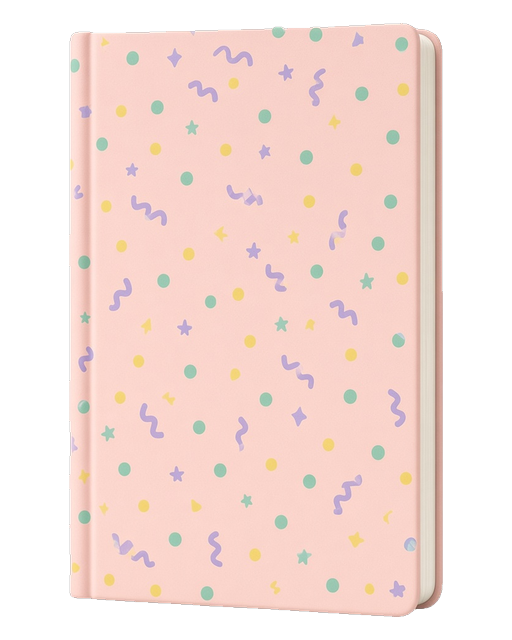
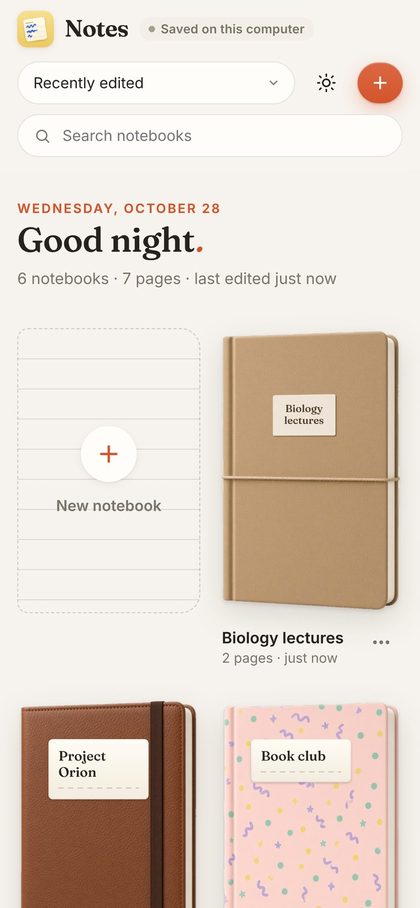
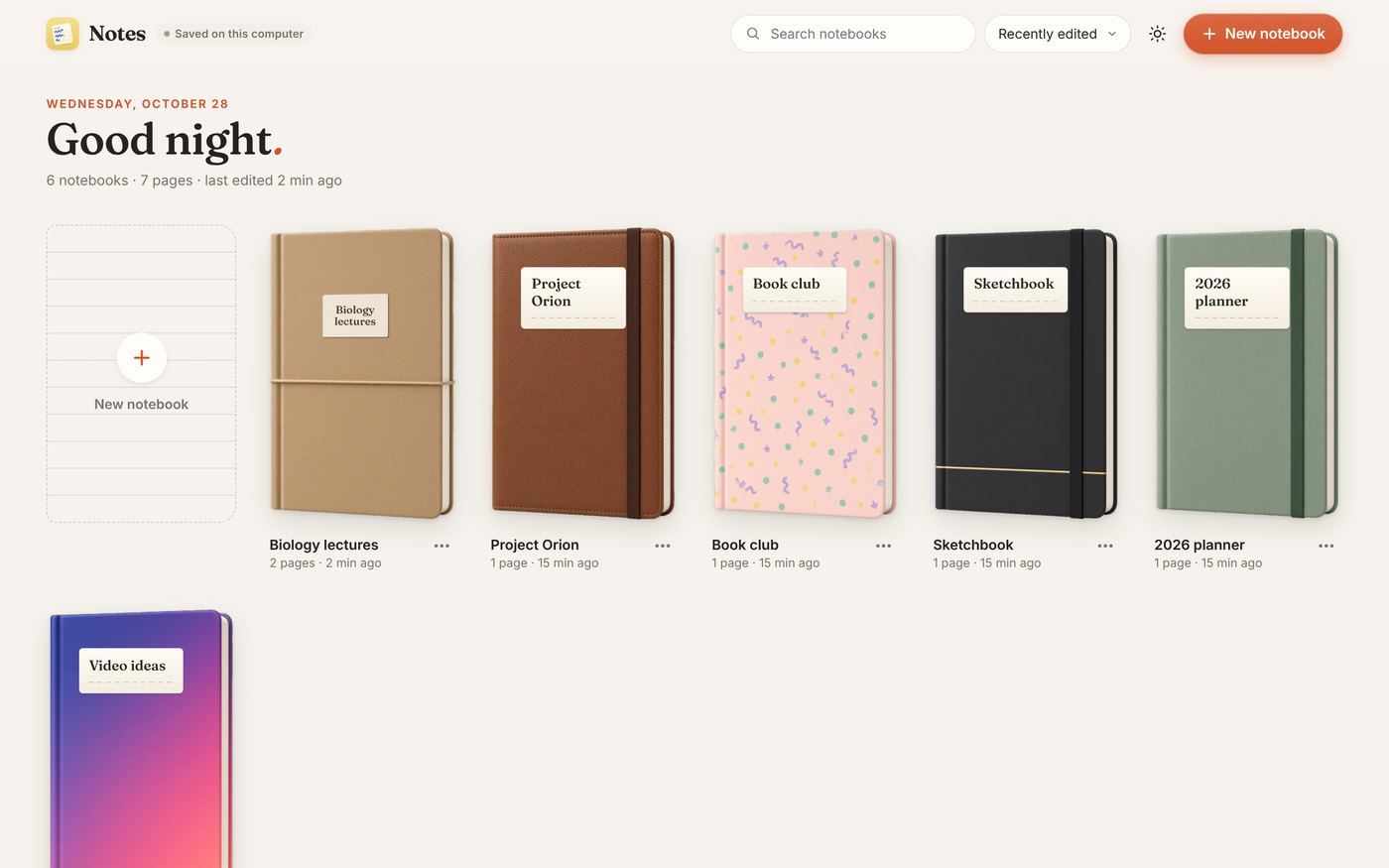
Eighteen hand-made covers, a lasso, a ruler, light and dark mode, and PDF export.
Install in 20 seconds
Notes is a web app, so there's nothing to download from a store. Add it once and it opens full-screen like any other app, with Apple Pencil and offline support.
Pricing
Already have an account?
Notes
Make a notebook for lectures, plans, scripts, or anything you want to write by hand.
On iPadOS and iOS 16.4 or later, Chrome and Edge work too.
On iPad it's at the top right, next to the address bar. On iPhone it's in the toolbar at the bottom.
Scroll down the list of actions if you don't see it straight away.
Notes now opens full-screen from your Home Screen, ready for Apple Pencil and offline use.
Samsung Internet, Edge and Firefox also offer “Add to Home screen”.
It's at the top right of the browser.
Then confirm with “Install”.
It runs in its own window, with no address bar, and works offline.
Click the install icon at the right end of the address bar, or use the button below.
Choose File, then Add to Dock.
Notes opens in its own window from the Dock, Start menu or Launchpad.
You're using the installed app. Nice.